Anydesk
AnyDesk, a fast remote access to computers

Safe & Secure
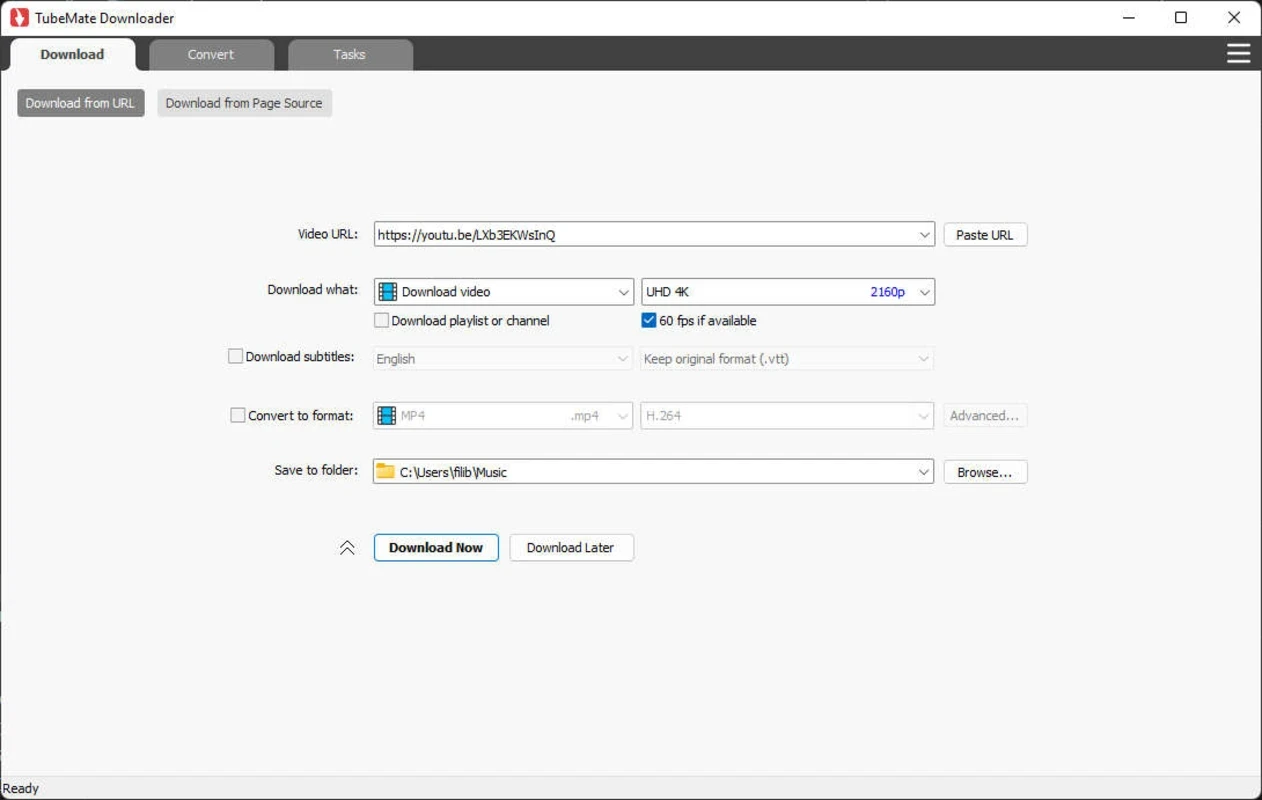
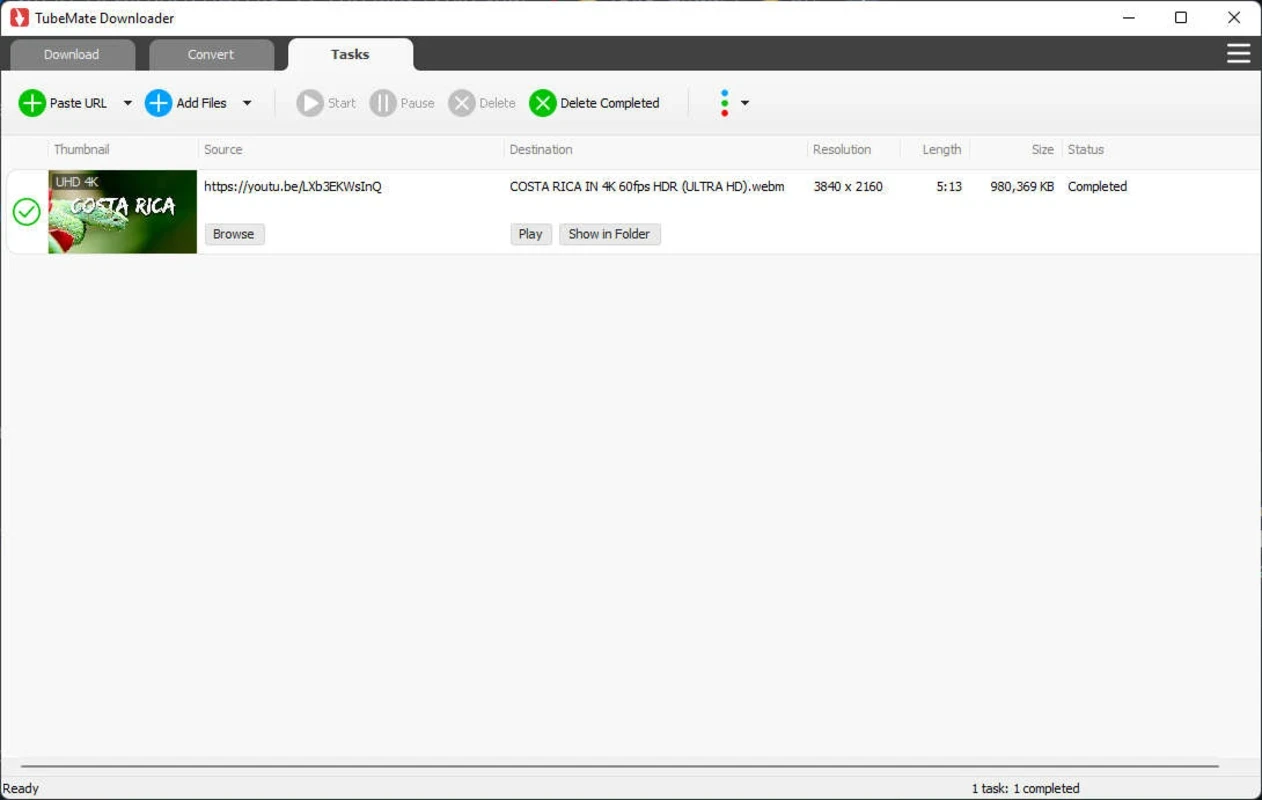
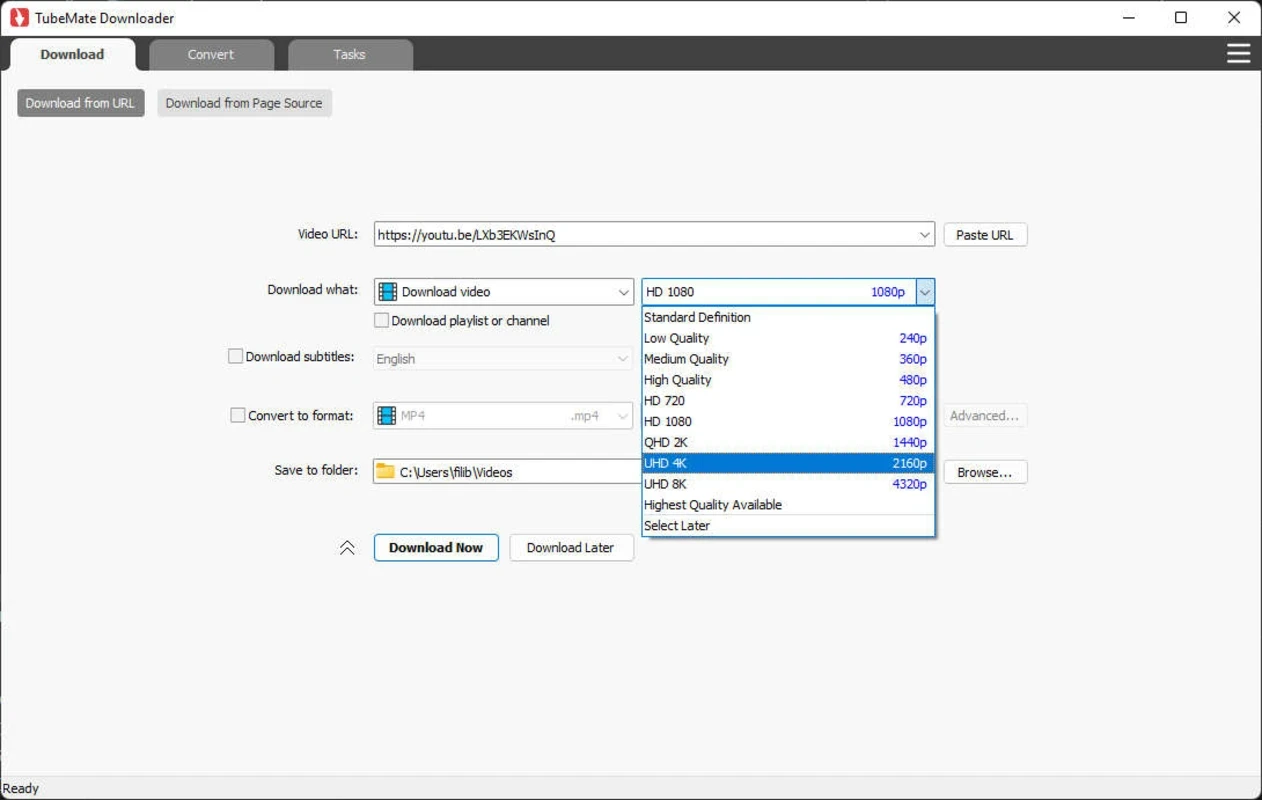
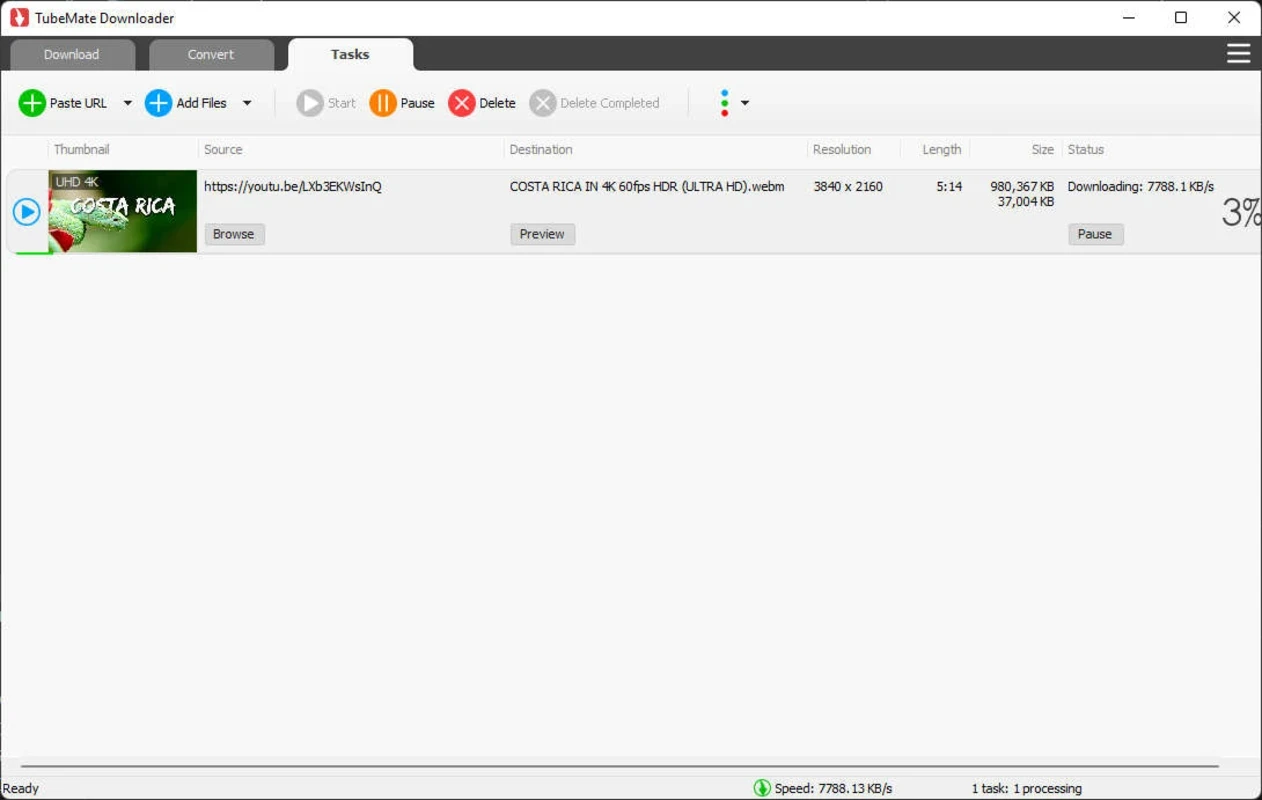
TubeMate Video Downloader is a powerful utility to allow the users download their favorite videos from YouTube and multiple other video-sharing programs. It is a fermium program, offering a parallel download acceleration system that can help to get a robust downloading speed up to 500%.
The simple-to-use software proves the best option, specifically for users who want to get more control over the video’s quality, offering multiple state-of-the-art features. It was primarily released for Android devices, but soon expanded its services to other operating systems, including Windows computers.
TubeMate is a freemium tool developed by TubeMate Software and falls under the Desktop category. It allows users to bypass paid services of YouTube Premium and reliably download videos from YouTube and other social media platforms, including TikTok, Facebook, Dailymotion, and so on.
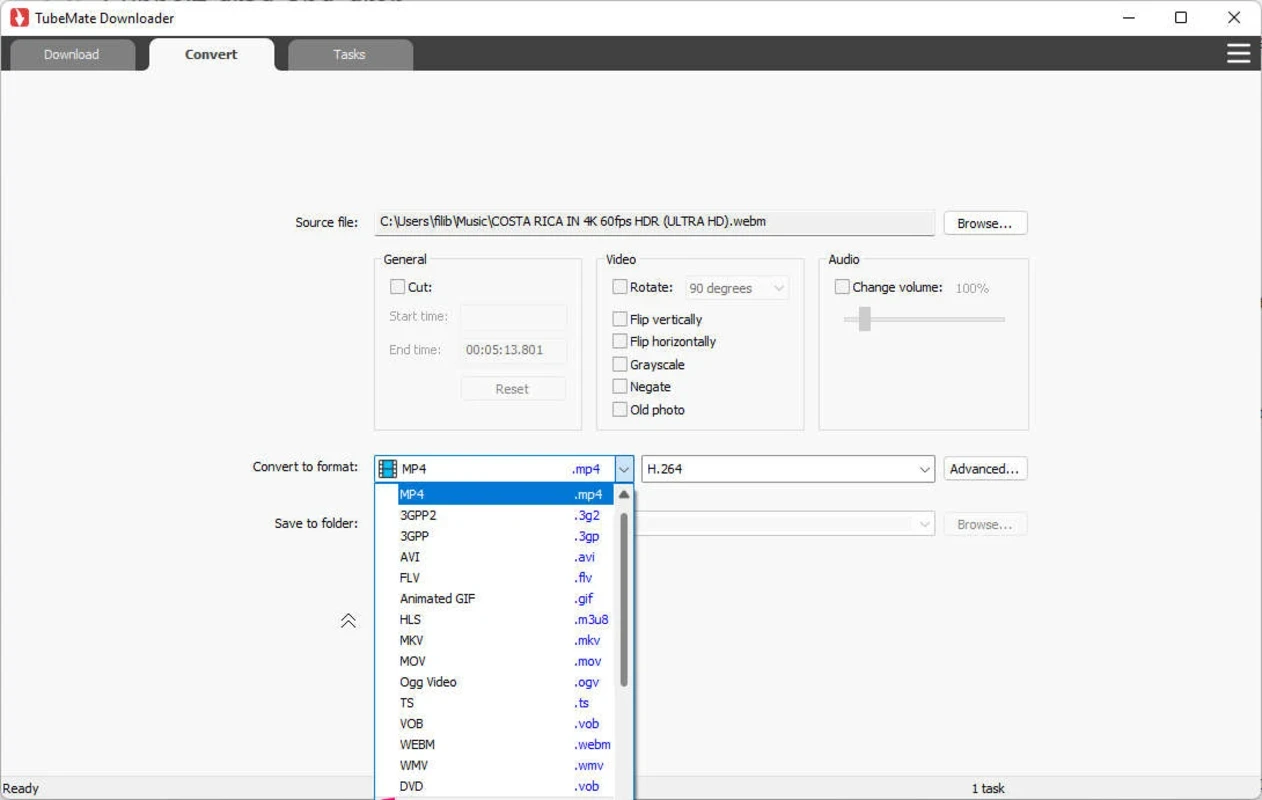
It offers a simple and easy-to-use interface, allowing users to download videos with the help of all basic features such as resume, pause, stop, etc. The support for multiple file formats helps users to download and convert videos in the format they want.
The user-friendly interface offers a clutter-free layout with straightforward menus and options, focusing on quick navigation through the entire functionality. You will find a dedicated download button for each video. You need only to play the video to initiate downloads. For this purpose, click on the red download button from the lower right corner and open the download menu to select video quality, format, and other preferences.
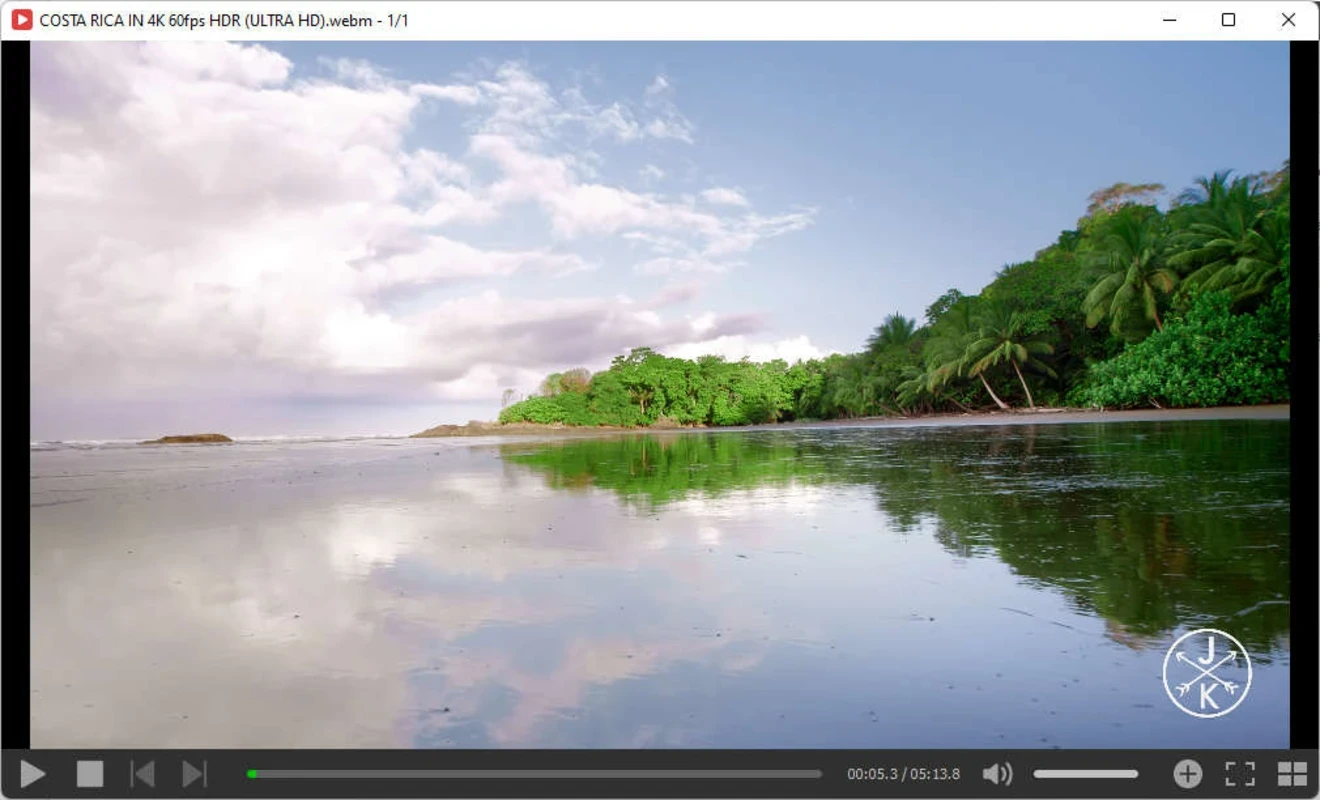
TubeMate offers a built-in media player, allowing users to review downloaded files. It also enables users to control all basic features, including volume, playback, shuffle, repeat, and skip functions. It is simple to use, so users with limited technical experience can reliably operate the app hassle-free.
The versatile video downloader offers support for multiple online video-sharing platforms such as YouTube, Facebook, TikTok, Dailymotion, Viemo, Instagram, and so on. Similar to the Android version, you can also conveniently use the downloading features right on your desktop version and flexibly manage and store your downloads locally.
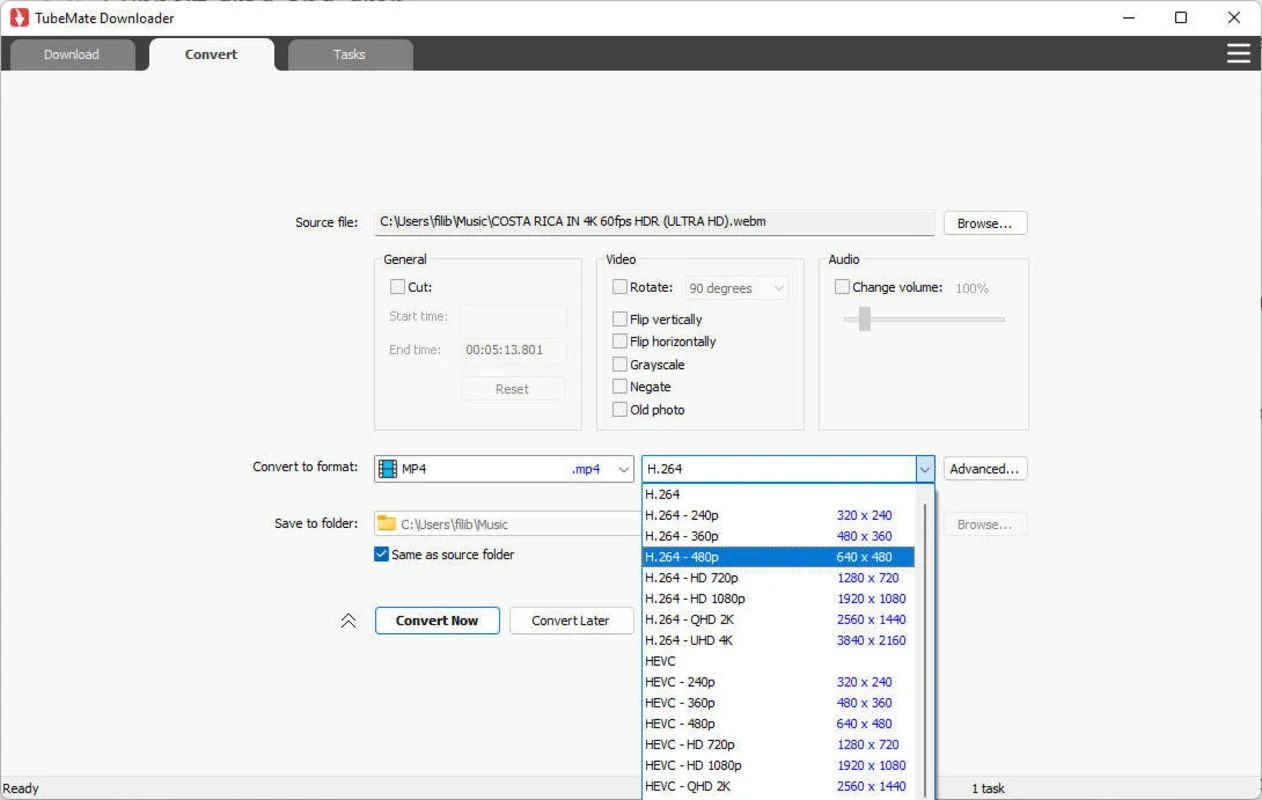
The app offers multiple file formats, including M4A, AAC, OGG, MP3, WebM, AVI, MKV, FLV, and so on. It enables users to download videos, regardless of the file type it demands. Moreover, you can support multiple video resolutions such as UHD 8K, 5K, 4K, QHD 2K, HD 1080p, 720p, and 3D videos from YouTube. The app also offers quick settings for multiple devices, including iPhone, Smart TV, or Android.
If you aren’t interested in a video file, simply download an audio stream from YouTube, which also allows you to download a playlist, no matter whether you download the entire playlist or any specific part of it. The entire process is simple, only a few clicks, and download multiple videos simultaneously to manage and organize them easily. Control the entire downloading process while pausing and resuming downloads according to your preferences.
As the app hasn’t officially launched, it has multiple legal issues, and the Play Store has removed it because of violating the terms of use. However, you need to download it from an authentic website and reliably use it. It doesn’t interfere with your privacy and asks for permission to access the media files for saving the downloaded files and using the media player as well.
The support for a multi-thread acceleration engine enhances the downloading speed up to 500%, enabling users to download their desired videos quickly and hassle-free. It also supports a drag-and-drop option to make your importing of video links from the browser to the drop box. It is one of the useful features, allowing the users to eliminate the hassle of copying the link, instead starting the video downloading process quickly without leaving the app.
You can streamline the organization of large libraries by directing your downloaded audio/video files to your desired folder on your device. It is the best solution for users with frequent downloading of content, as it sets default directories with the addition of renaming the files before saving. It is also capable of adding your downloaded videos and audios to your iTunes library automatically.
Pros
Cons

AnyDesk, a fast remote access to computers

Accelerated Downloading with Internet Download Manager (IDM)

SHAREit for PC is the best option for a P2P file-sharing process without using Wi-Fi.

ShareMe for PC, a freeware and streamlined file-sharing app

uTorrent, a powerful, lightweight, and fastest P2P file-sharing software

Xender for PC, an effective and convenient file transfer utility